Designs Built for Every Screen
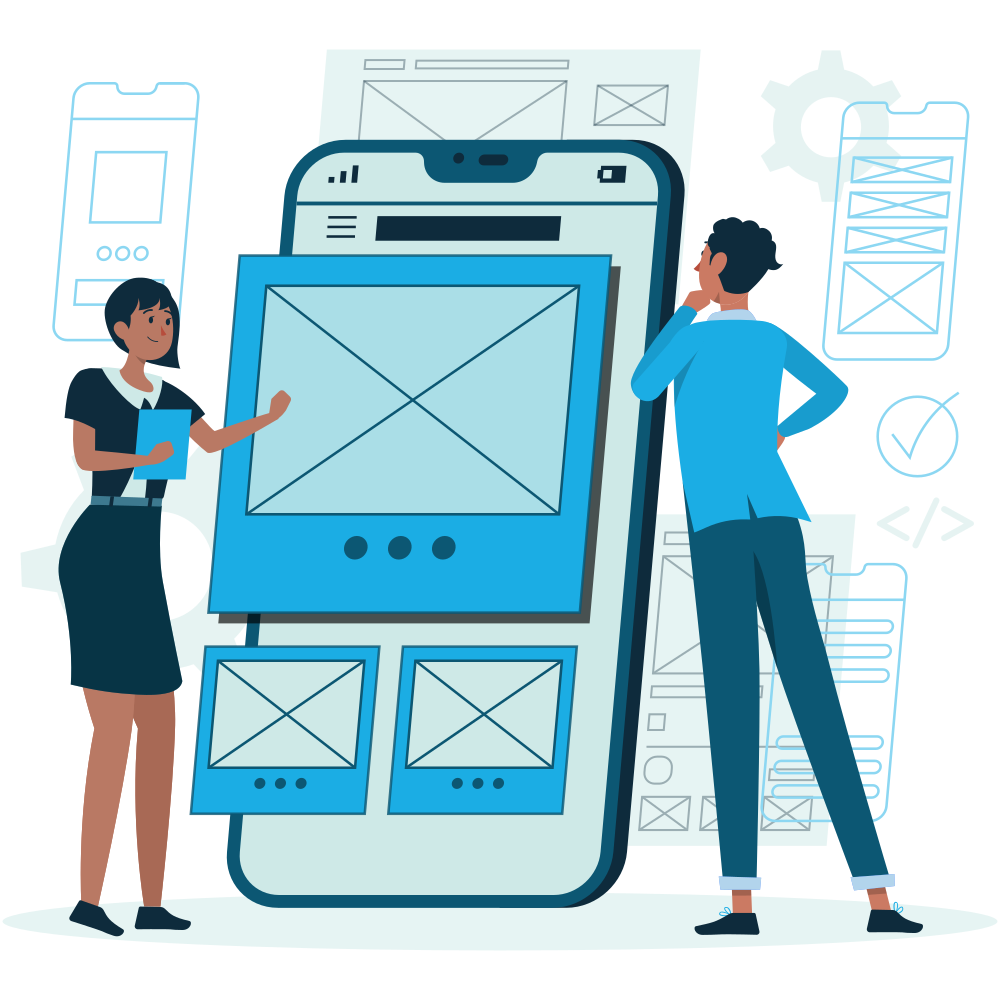
Native Mobile App UI/UX Design (iOS & Android)
Apple Human Interface Guidelines (HIG) Mastery
Fluid navigation patterns, dynamic islands, iOS 18 widgets, and haptic feedback design tailored specifically for iPhone and iPad ecosystems.
Google Material Design 3 (Material You)
Dynamic color extraction, adaptive layout breakpoints, and predictive back gestures built strictly to Android excellence standards.
Intuitive One-Handed Ergonomics & Thumb Zones
Crafting critical touch targets, bottom sheets, and gesture interactions optimized for effortless single-handed mobile usage.
Dark Mode & Dynamic Theming Architecture
Seamless light and dark mode switching with OLED pure-black battery conservation and calibrated contrast ratios.
Lottie & Rive Micro-Animations
Ultra-lightweight vector animations for success states, onboarding steps, and loading transitions that keep users captivated.
Interactive Clickable Prototypes on Real Devices
Test realistic mobile prototypes directly on physical iOS and Android smartphones via Figma Mirror and ProtoPie before writing code.
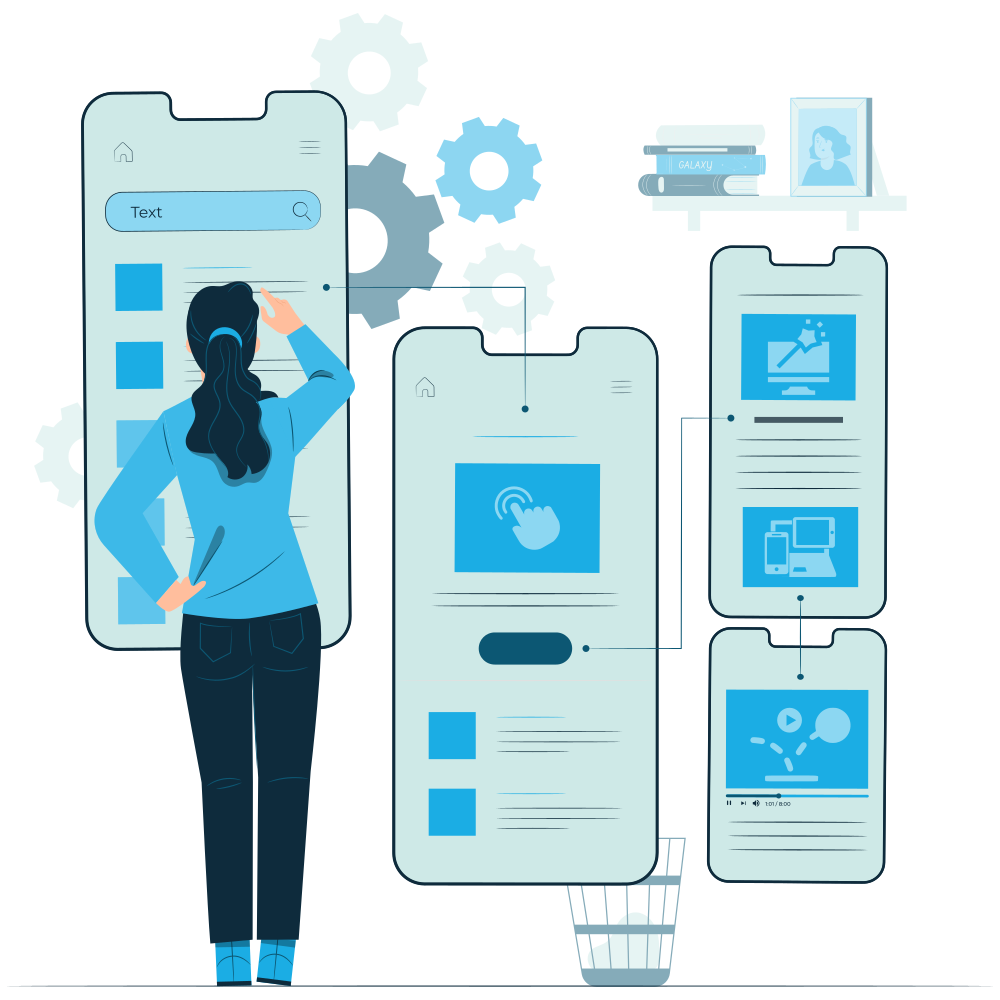
Why Partner with SM Softwares for Mobile App Design?
Mobile users decide within 30 seconds whether to keep or uninstall an application. At SM Softwares, we design habit-forming, intuitive mobile experiences that captivate users from first launch.
Our mobile product designers possess deep expertise in native platform behaviors, gesture ergonomics, and tactile micro-interactions. We ensure your app feels right at home on both iOS and Android.
We provide developers with comprehensive asset exports, typography specs, color tokens, and animation JSON files, ensuring zero visual fidelity loss during frontend engineering.
Core Technologies & Design Frameworks
Industry-leading design systems, interactive prototyping engines, WCAG 2.2 AA accessibility standards, and developer handoff automation.
Featured Design Case Studies
Explore human-centered design systems and digital products engineered for top global brands.

Aura Wealth – FinTech Mobile & Web Design System
Designed complete multi-platform design system and high-fidelity investment dashboard, driving a 64% increase in user retention.
Explore Case Study
Novus AI – Enterprise SaaS Interface & Design System
Architected a complex data visualization interface and dark-mode design system for an enterprise AI analytics platform.
Explore Case StudyOur Native Mobile UI/UX Design Lifecycle
Designing intuitive, immersive mobile applications adhering to Apple HIG and Google Material Design 3.
- STEP 1Platform Ergonomics & Touch Zone MappingOptimizing one-handed mobile ergonomics, natural thumb zones, and bottom navigation sheets.
- STEP 2Native Platform Design Systems (iOS HIG & Material You)Leveraging iOS 18 Dynamic Island widgets, haptic feedback, and Android dynamic color extraction.
- STEP 3Interactive Clickable Prototypes on Real DevicesTesting gesture-driven prototypes directly on physical iPhones and Android devices via Figma Mirror.
- STEP 4Lottie & Rive Micro-Animation EngineeringDesigning lightweight vector animations for loading states, onboarding tours, and rewarding success feedback.
- STEP 5Light & Dark Mode OLED Contrast CalibrationCrafting tailored color palettes for both light mode and true-black OLED dark mode battery savings.
- STEP 6Design Token & Vector Asset Export HandoffExporting complete 1x, 2x, 3x assets, typography specs, and JSON animation files for iOS and Android engineers.
